 Post by
  January 18, 2022 |

In this post, we are doing a step by step for how to create a simple contact form as a ProcessMaker screen. Make sure that you have run through the ProcessMaker getting started article.

When that is done, we need to be logged in and from the dashboard go to the “Designer” tab in the main menu.
There we click on “Screens” in the menu on the left.
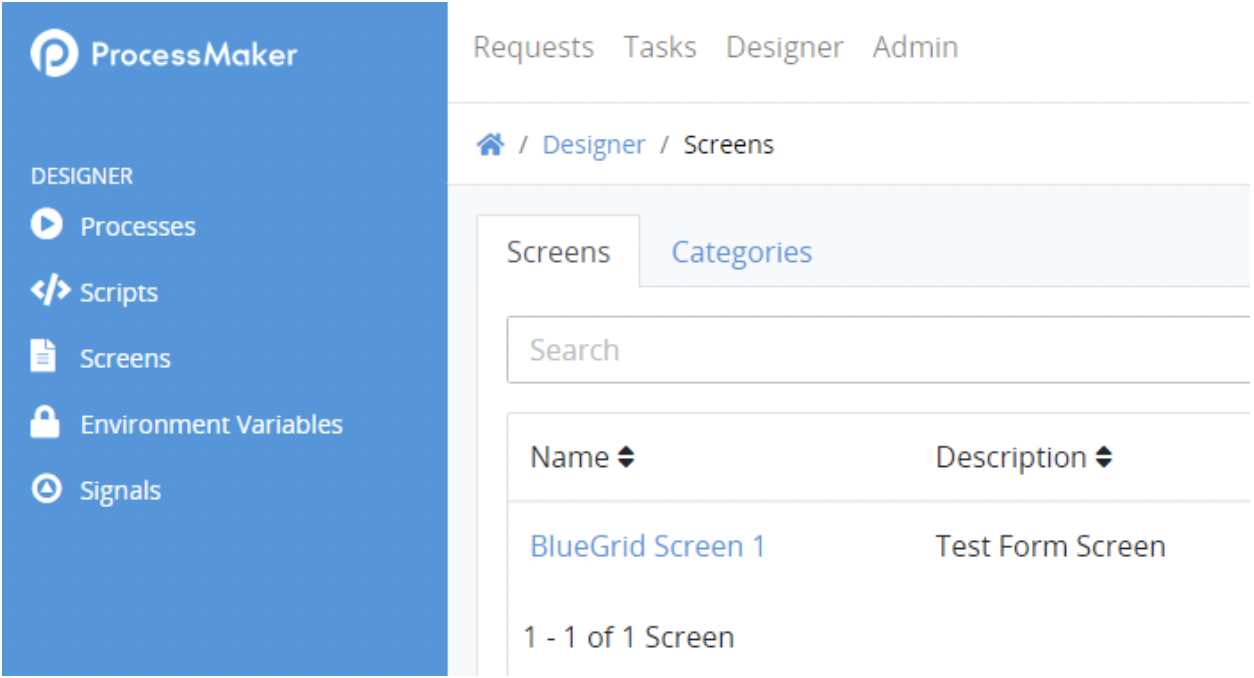
Here we can see all of our created custom forms or pages.
In order to now create a new one, we have to click on “+ SCREEN” button on the right side of the page.

In the new popup we can input the information that we want, in this case, we will be making a screen of the type “Form”:

After filling out the information and clicking “SAVE”, we will see our new screen on the list on the current page.
On the right side of every screen element, we have a quick menu with which we can configure each screen.
You need to click on the “Edit” icon to enter a visual editor that will help us create our form:

Now we will see a blank page of our future form in the middle. With various elements ready for use in the toolbox on the left that we can drag and drop onto our blank page wherever we want.

We will be making a simple contact form. Let us start by adding a title of our form using the “Rich text” element. Then also drag the “Multicolumn / Table” element in order to divide our page into two parts.
After that we can populate our page with basic Contact form elements and play with the configuration of each individual element if we so require in the right panel:

Finally at the end of everything we click the Save icon at the top right:

We can also preview our form right in the editor by switching from the “Design” to the “Preview” option on the top of the page:

And thats it!
As we input data into the fields here it will also update the side section to showcase how it will look like inside the JSON as shown here in the right part of the screen:

See further how we can use this form inside a Process. Or how we can send in input data through an API endpoint inside a simple command line environment.

